
Guides to STL Emboss
Short pages, one for each thing STL Emboss does. The tool is free, needs no account, and your model never leaves your device.
-
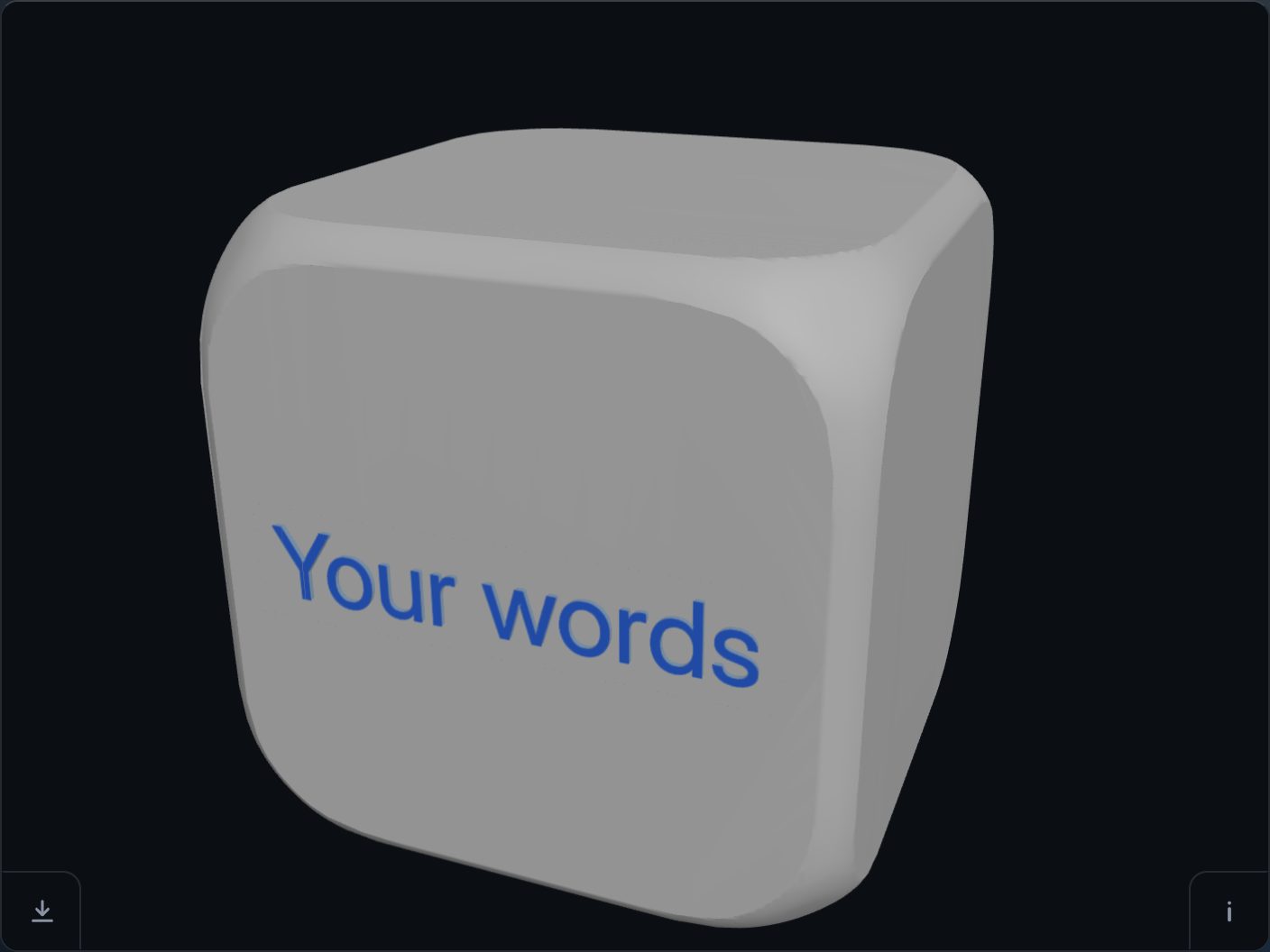 How to add text to an STL file
Open the model, type the words, place them, cut, download — in under a minute, from a phone or a keyboard.
-
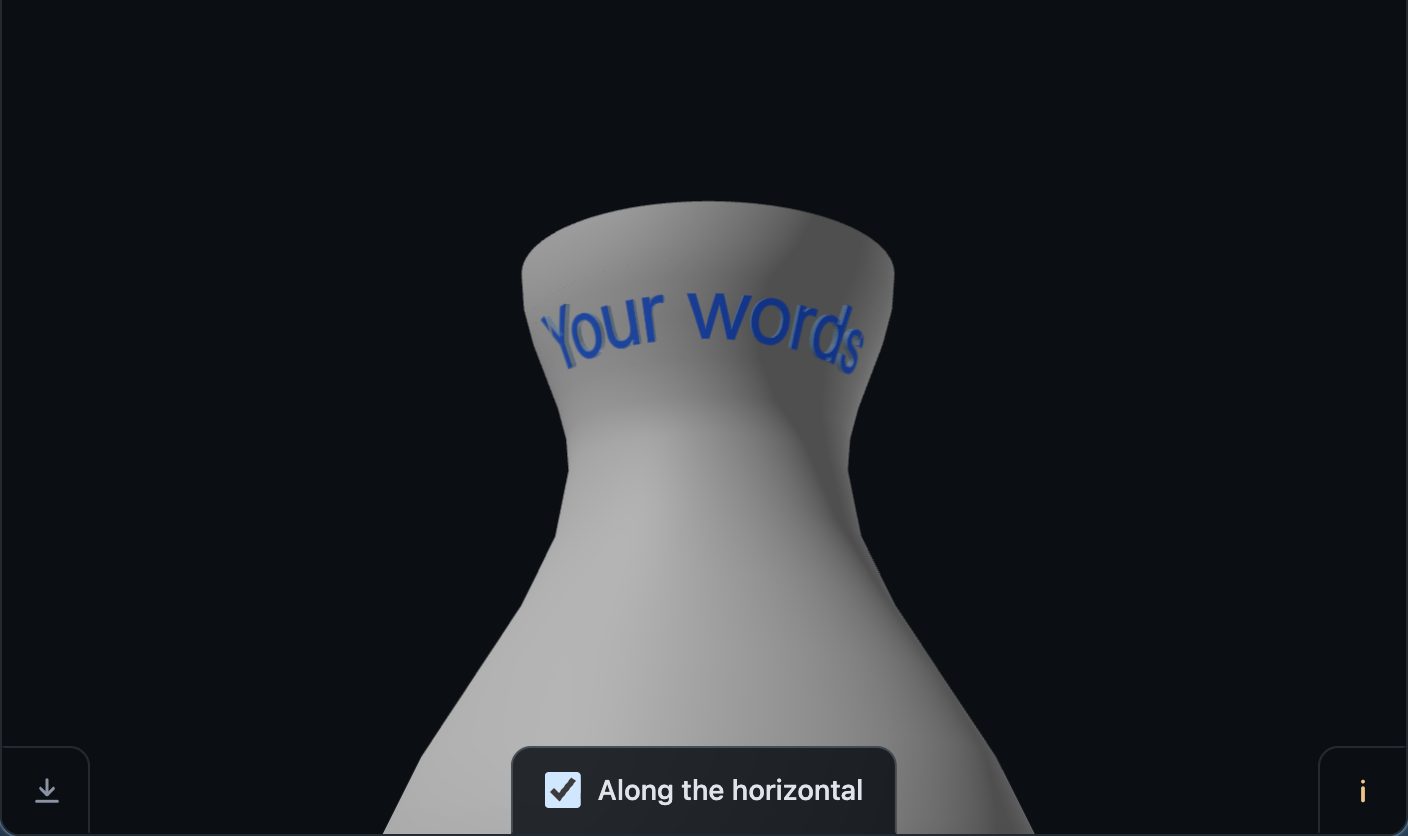 How to wrap text around a curved surface
A name around a cylinder, a cone or any curved body. The letters follow the surface, and on a flaring neck they lie along the horizontal.
-
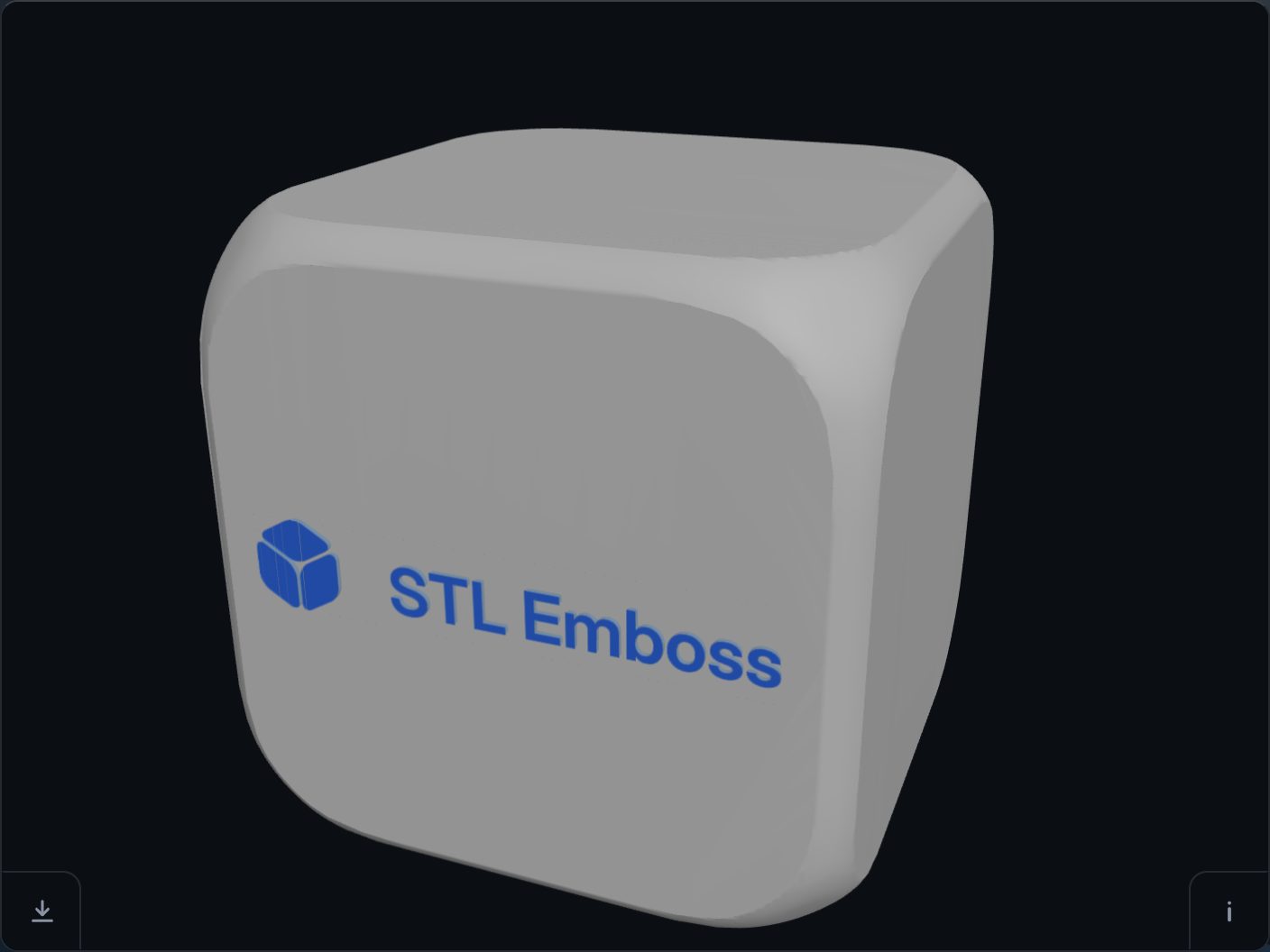 How to add a logo to an STL file
A logo, a sign or a photo, cut flat or as a shaded relief. It places itself, and you correct it only if it needs it.
-
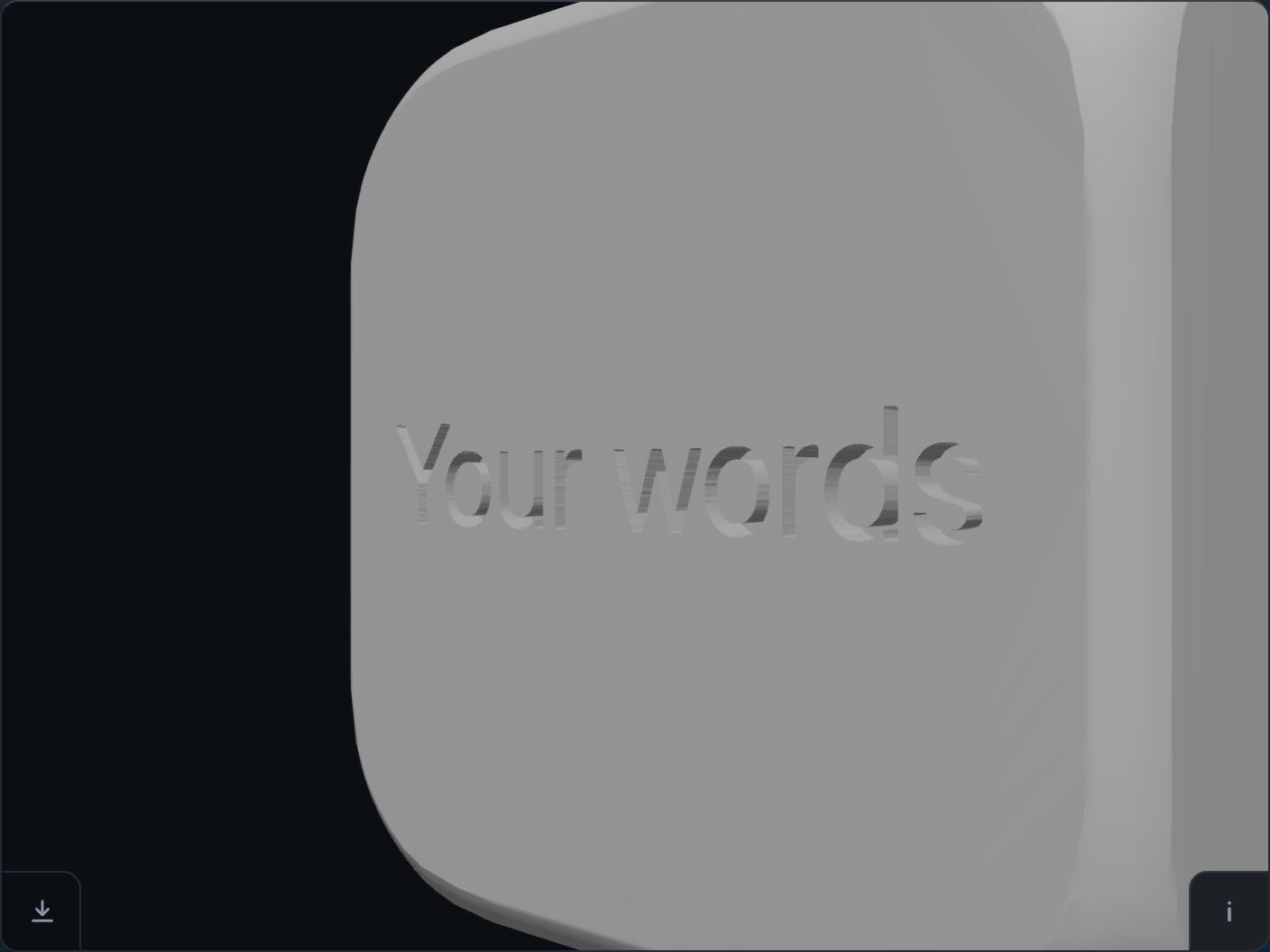 Emboss or deboss: how to choose the depth
One handle in millimetres. Which way to go, what relief does, and two rules for your printer.
-
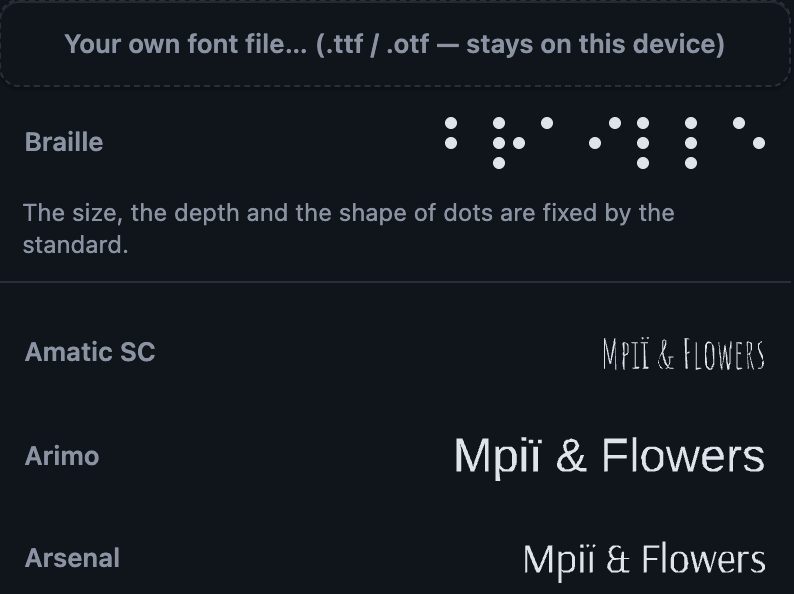 How to choose a font
40 families under an open licence, your own file, and the letters that survive the nozzle.
-
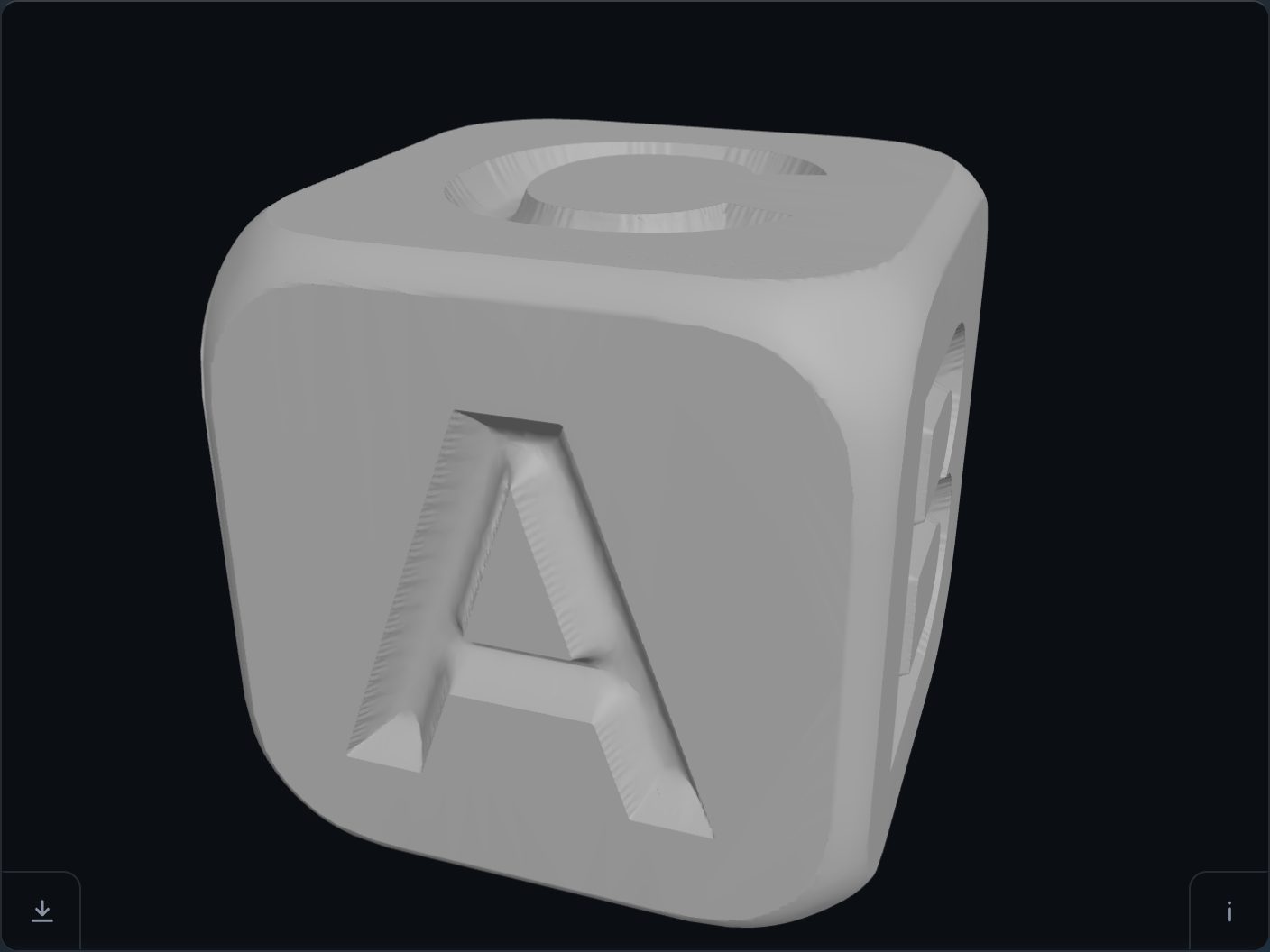 The learning cube
One letter on each face, cut 30 mm tall, with Braille on the opposite faces if you want it.
-
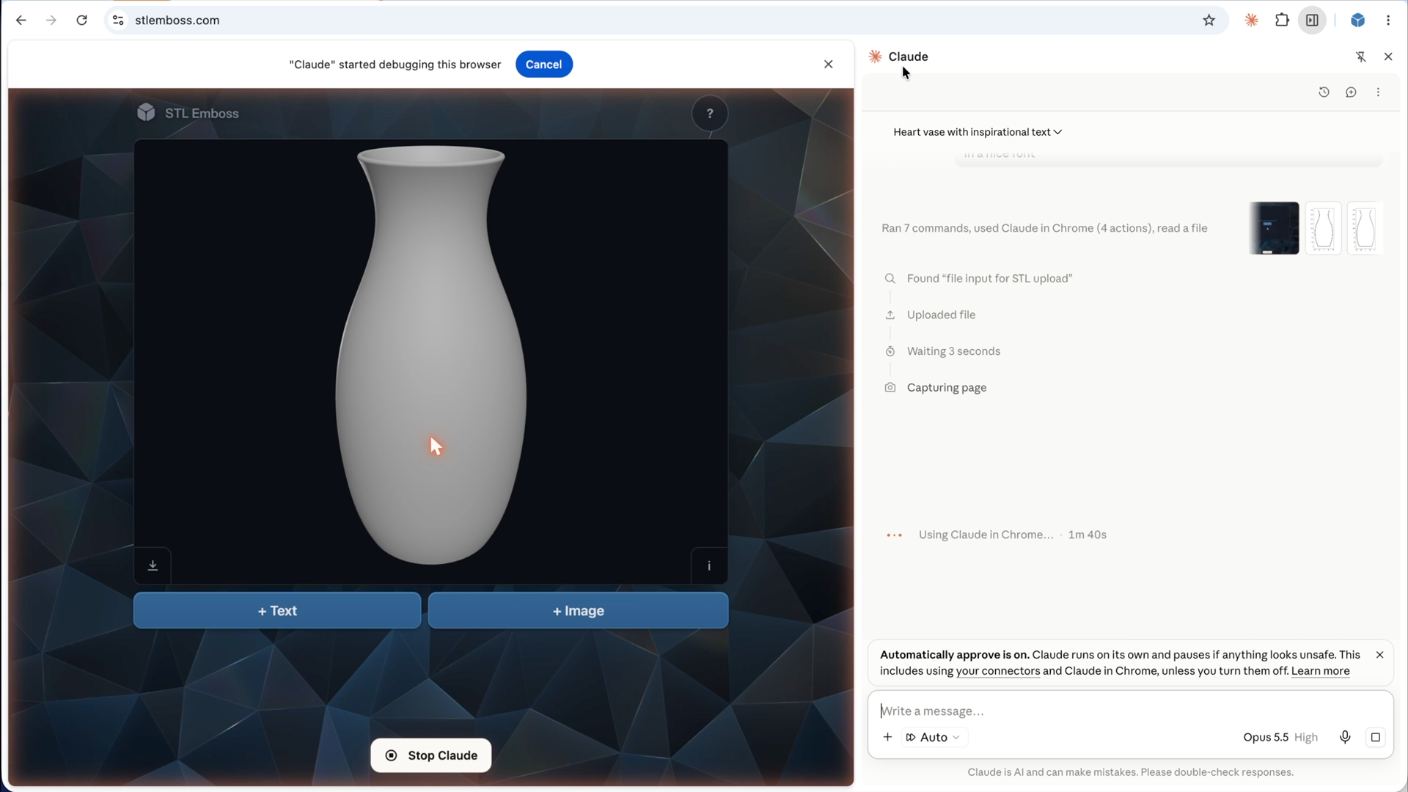 Personalised gifts with Claude in Chrome
Ask an agent to make the gift and write on it, in your own browser. A 16-second film and what to say.
-
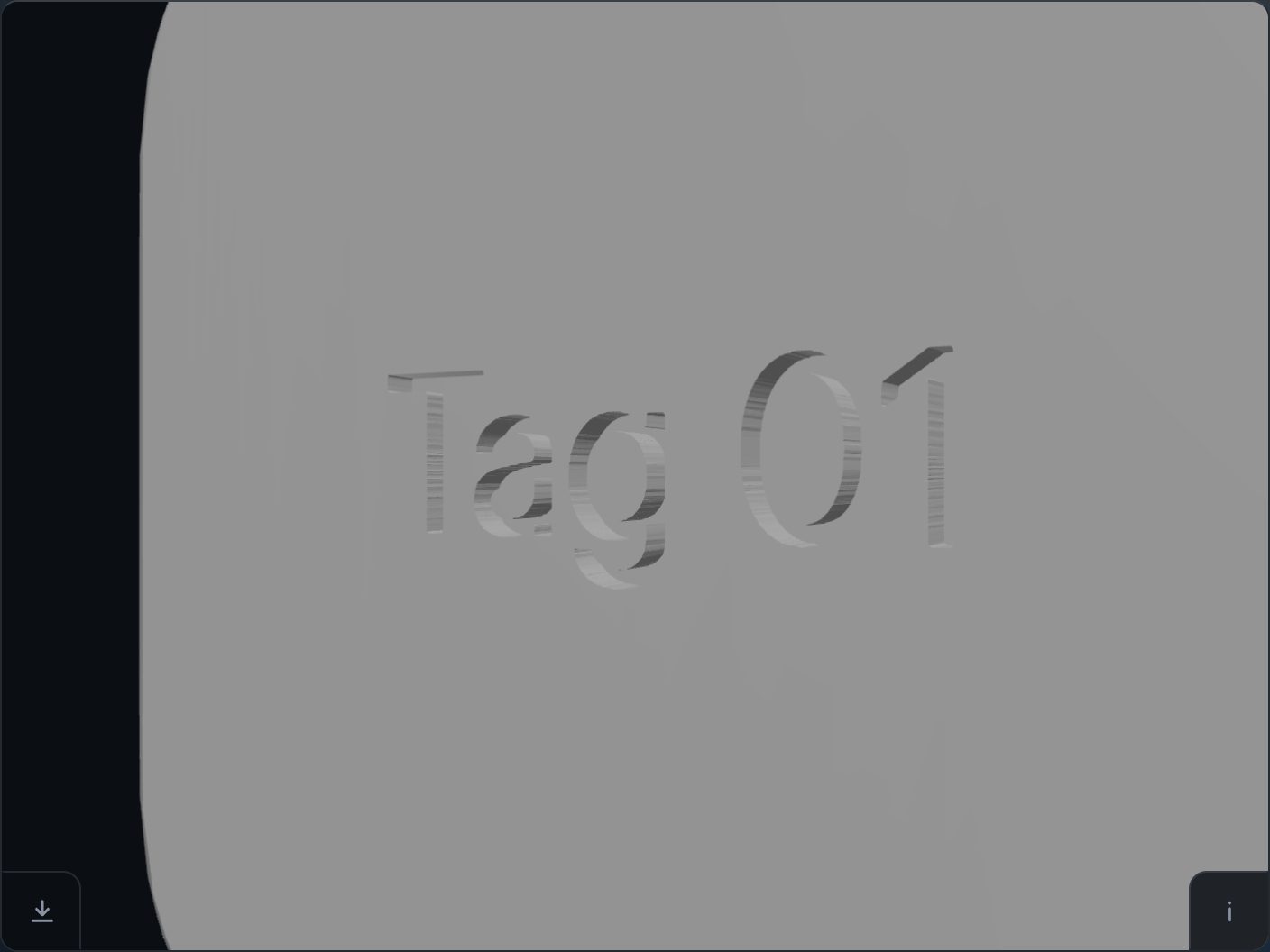 Batch: the same marks on many STL files
Write a recipe that names a face, zip it with your model: twenty tags from one model.
-
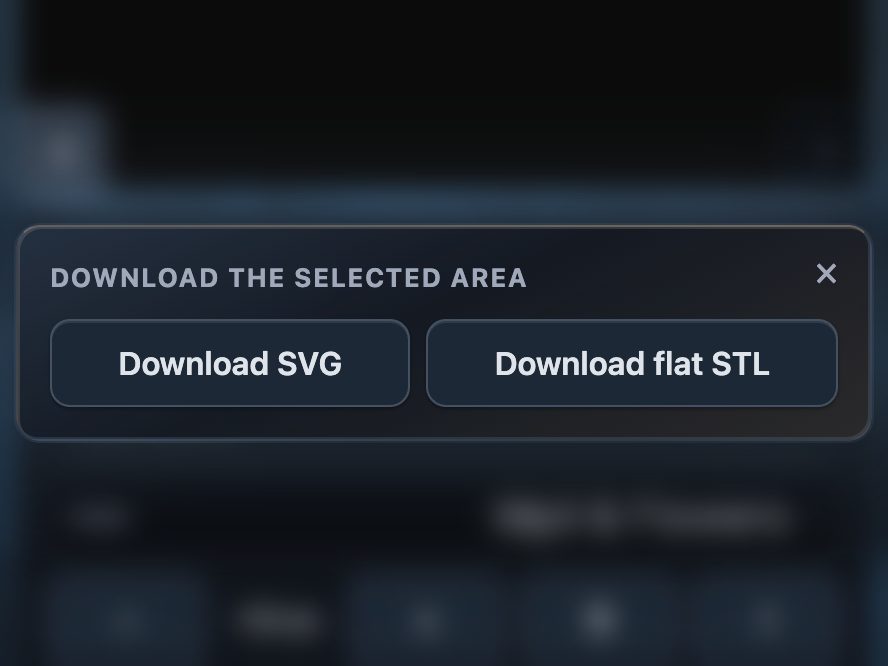 Export a mark as an SVG or a flat STL
The mark as its own file, for a laser cutter, a vinyl plotter, or to print the letters alone.
-
 The keyboard and a screen reader
The whole page without a pointer: the keys in the order of the work, and what is spoken.
The ? card on the tool's page answers the short questions.