
How to wrap text around a curved surface
A name around a cylinder, a cone or any curved body — a vase, a cup, a bottle, a helmet. The letters follow the surface instead of floating above it or sinking into the body.
The mark follows the surface
Open your model and press “+ Text”. Drag the words onto the curve, press the curve where they should go, or move them with the arrow keys: the preview shows them bent with the surface before anything is cut, and on a steep face the letters stand upright. Press the tick ✓ and the mark is carved into the mesh, curved where the body curves; the download button saves the new STL.
Raised or sunk is the sign of the depth handle: a positive depth stands the letters out of the surface, a negative one cuts them in.
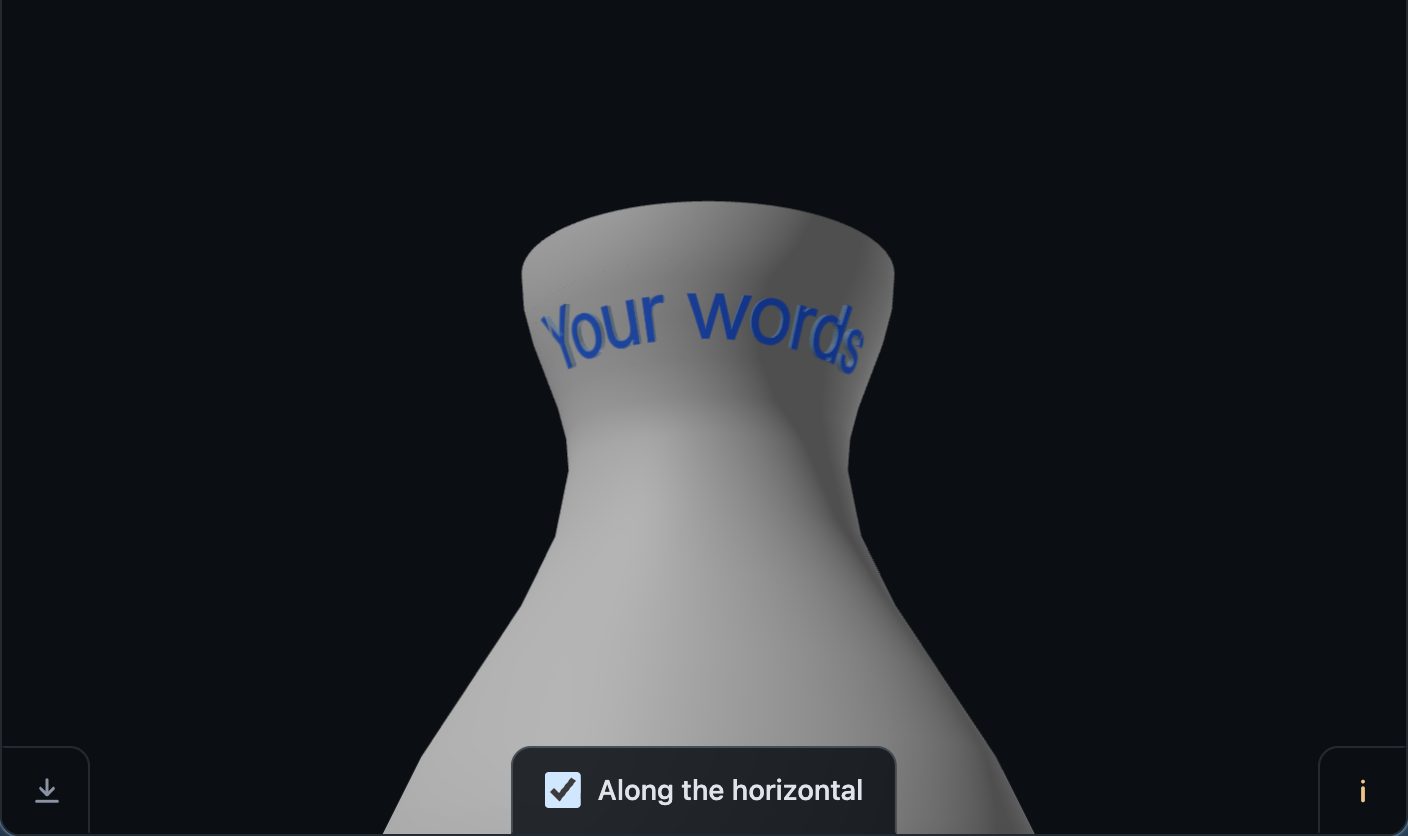
Along the horizontal
On a flaring neck or a cone, a straight line of letters is not level: the surface turns away under its ends, so they rise while the middle sits on it. When the surface under your mark is such an arc, the i card says so in millimetres — for example:
The surface curves away from the horizontal here: the ends of the mark stand about 1.6 mm above it while the middle sits on it. Shorter text or a smaller size lies flatter.
A checkbox appears at the same time at the bottom edge of the 3D view, “Along the horizontal”. Ticked, the letters are fanned like a label on a cone and the word reads level — in the preview, in the cut, and in the mark's own SVG. When the level line runs at an angle to your mark instead, the card names the turn that levels its ends.
A thin wall
A mark sunk deeper than the wall under it opens a hole through the wall. On a vase, a cup or anything that holds water, keep a sunk mark well shallower than the wall — or raise it out instead. A maker who met a raised artefact on the far side of a thin skin moved the mark a little off-centre, and it was gone.
Open the result in your slicer and look at the letters on the curve before you print — the page is offered as is.
Try it on your own modelFree, no account, and your file never leaves your device.
Open STL Emboss