
Batch: the same marks on many STL files
Different words on twenty copies of a model, without placing each mark by hand: a recipe that names a face, zipped with your model.
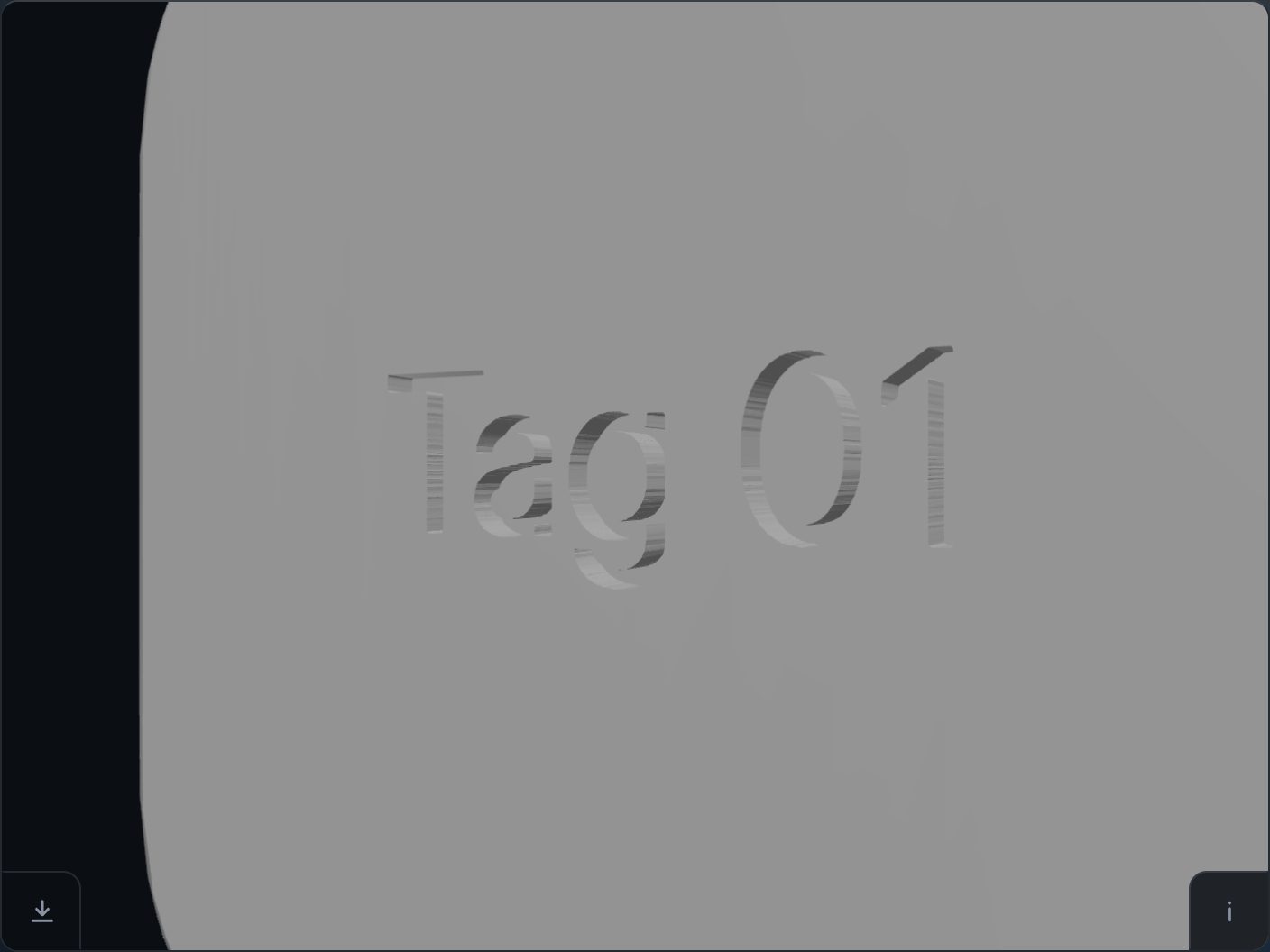
A recipe names a face
A zip of exactly two files does it: your model.stl, and a project.json like this one:
{"format": "stlemboss-recipe", "version": 1,
 "marks": [{"text": "Tag 01", "face": "front",
            "dx": 0, "dy": 0, "heightMm": -0.4}]}
face is top, bottom, front, back, left or right. dx and dy are millimetres from the face's middle, along its right and up. heightMm raises the mark when positive and sinks it when negative. sizeMm (the mark's width in millimetres), angleDeg and braille are optional. One recipe holds up to 40 marks.
Open the zip with “Choose a file”: each mark is placed and cut as if typed with “+ Text”, and the download button saves the result. If a mark cannot be read, the page names the mark and why.
Twenty tags from one model
Twenty zips take a few lines of Python, one zip for each line of words:
import json, zipfile

stl = open("model.stl", "rb").read()
for n in range(1, 21):
    word = "Tag %02d" % n
    recipe = {"format": "stlemboss-recipe", "version": 1,
              "marks": [{"text": word, "face": "front",
                         "dx": 0, "dy": 0, "heightMm": -0.4}]}
    with zipfile.ZipFile("tag-%02d.zip" % n, "w") as z:
        z.writestr("model.stl", stl)
        z.writestr("project.json", json.dumps(recipe))
Then open each zip and press download: one press per file. Change model.stl in each zip instead and the same words go on twenty different models, since a face is a direction any model has.
With an agent
This is also the road for an AI agent that cannot click in 3D: it writes the recipes, and Claude in Chrome can open them for you.
Check each result in your slicer before you print — the page is offered as is.
Try it on your own modelFree, no account, and your file never leaves your device.
Open STL Emboss