
The learning cube: a letter on each face
A cube for learning letters by hand: one letter, digit or sign on each face, ready to print.
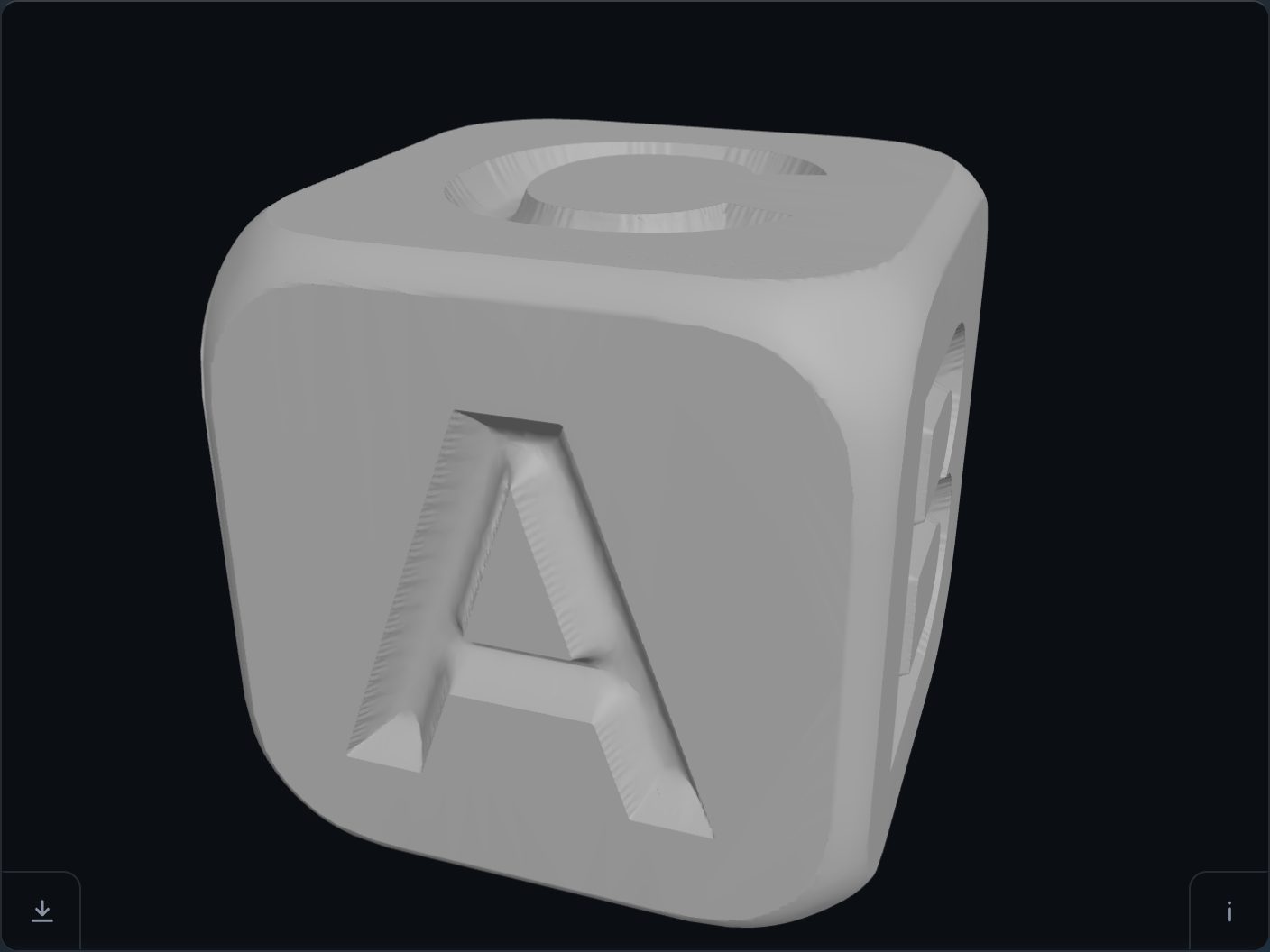
-
Open the cube
The button above opens it. From the tool's own page, it is “Try our learning cube” in the ? card.
-
Fill in the faces
A dialog opens, “Make your learning cube”, with a box for each face: Front, Right, Top, Back, Left and Bottom. Type one letter, digit or sign in each; a face left empty stays plain.
-
Make it and download
Press “Make the cube”. The letters are cut 30 mm tall and 3 mm deep, and the download button saves the STL.
With Braille
Tick the Braille box in the dialog. The letters go on the front, right and bottom faces, and their Braille cells into panels on the opposite faces, with the same up: one hand reads the shape, the other its cells. The dots follow the signage standard, Marburg Medium (ISO 17049).
Open the result in your slicer and check it before you print — the page is offered as is.
Try it on your own modelFree, no account, and your file never leaves your device.
Open STL Emboss